How to Submit an API Related Online Inquiry
en.Guide on how to submit an online inquiry through developers portal.
While all materials on developers portal (https://developers.coupang.com) are open to access and doesn't require any log-in,
an online inquiry can only be submitted by users who have logged in through WING.
1. How to Log on to Developers Portal
1) Logging in through WING
Go to https://wing.coupang.com and log in.
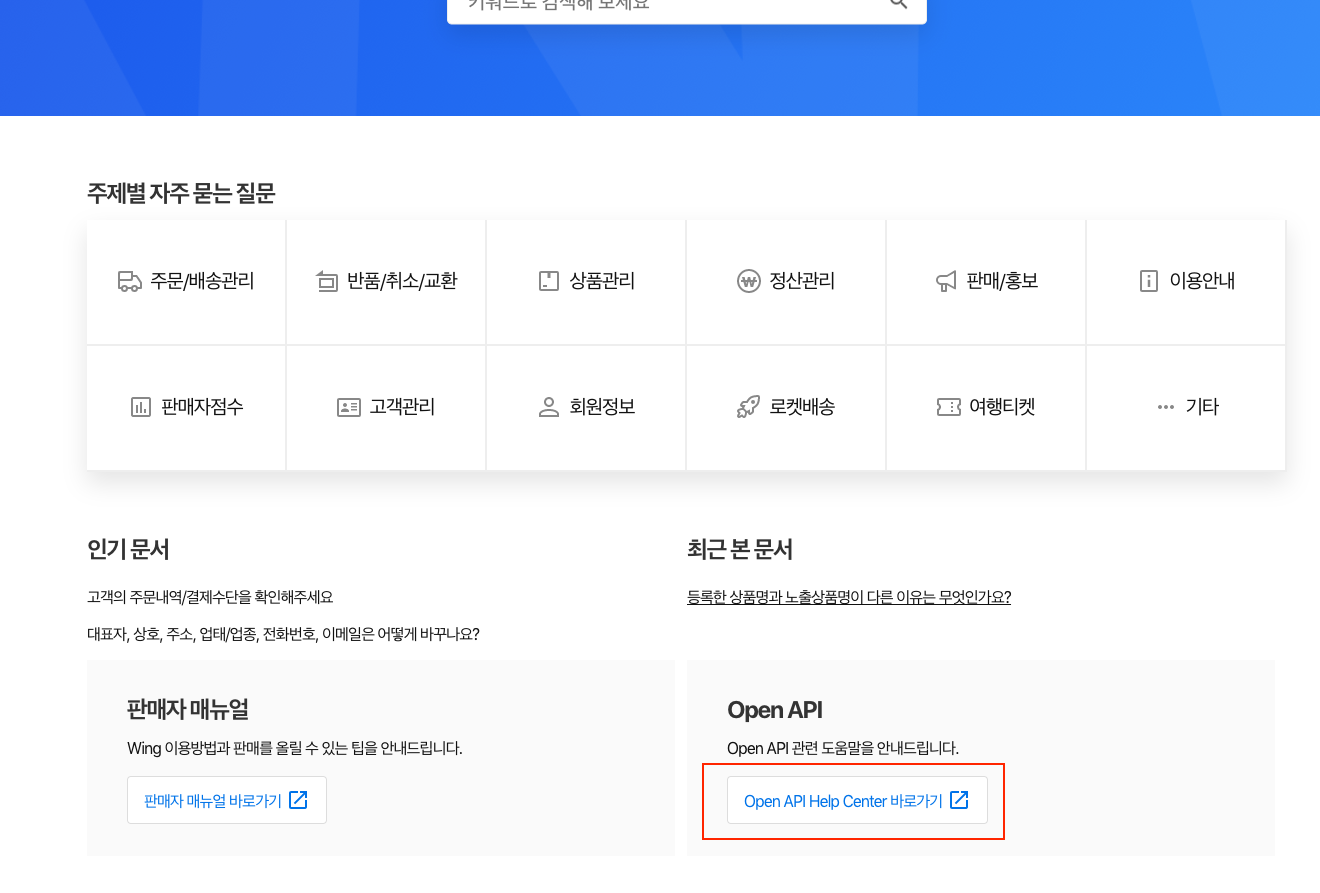
Access Seller Support > Online Inquiry to visit the general online inquires Help Center and click the "Open API Help Center" button as shown in image below.
2) Logging in through developers portal
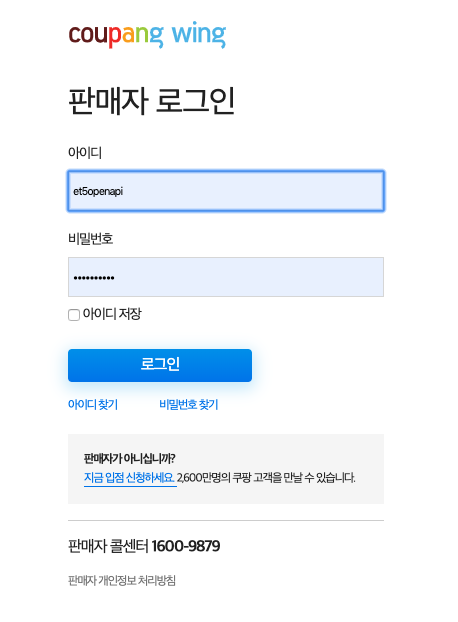
Go to https://developers.coupang.com and log in with WING account by clicking the "log in" button at top right corner.

2. Online Inquiry
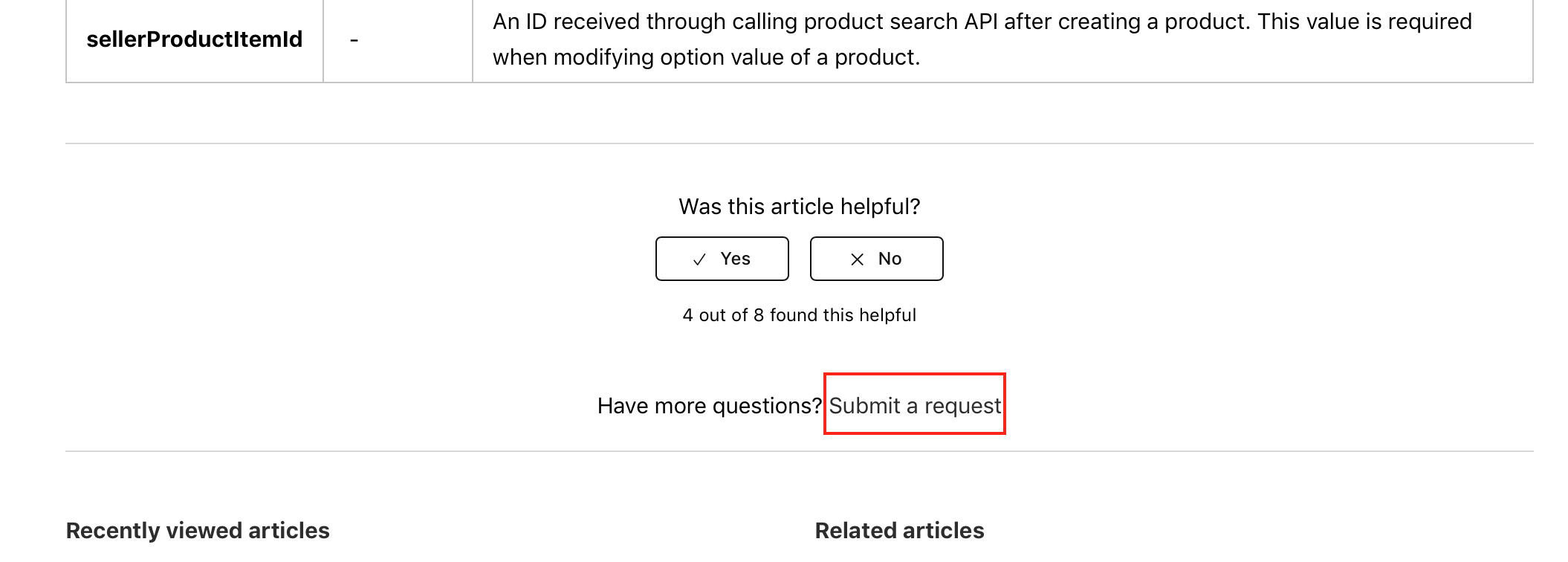
Below image depicts the general method to submit an online inquiry.
Click "Any other questions? Submit inquiry" at the bottom of each document.
3. More on Online Inquiries
Online inquiry template and mandatory fields.

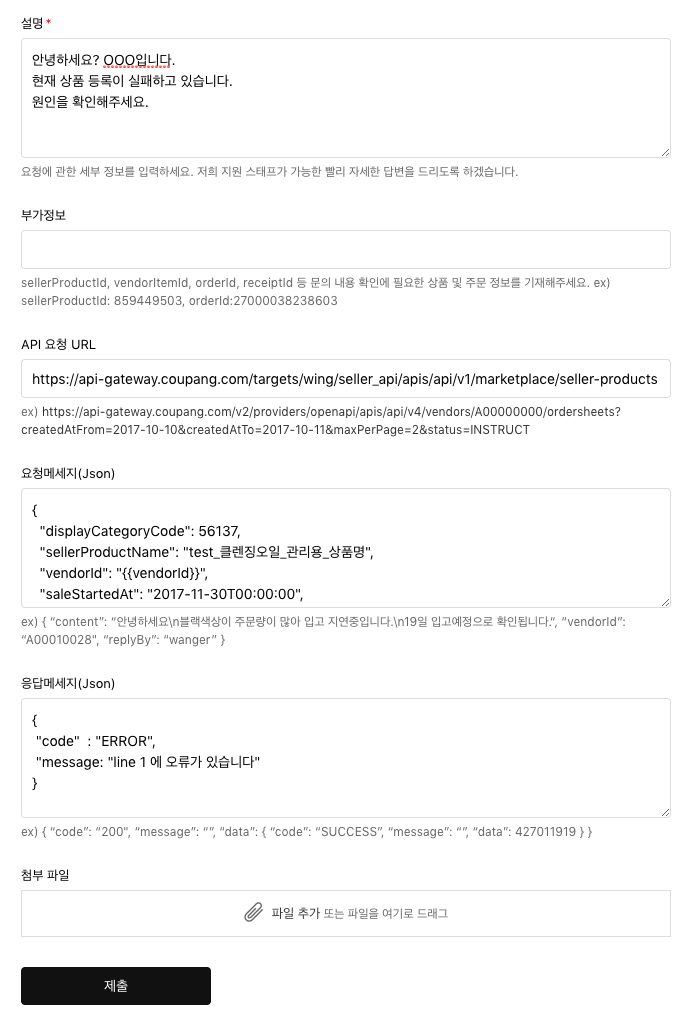
1) Inquiry Type
- Inquiry type is max 2depth. Please select the relevant API.
- Select "others" if your inquiry is not directly related to API.
Note: For all general inquiries regarding product, order, exchange or return that are not API related, please visit https://helpseller.coupang.com for support.
2) Title
- Inquiry title
3) Details
- Please try to input as many details about your question.
4) Additional Info
- Please add any product or order related info needed to review your inquiry such as SKU code and option code.
5) API Request URL
- For inquiries on API call, please input API URL to help us understand which API was called and how.
6) Request Message (Json)
- Please input payload from API call in json format.
7) Response Message (JSON)
- Please try to input the returned response message from API call in original json format if possible.
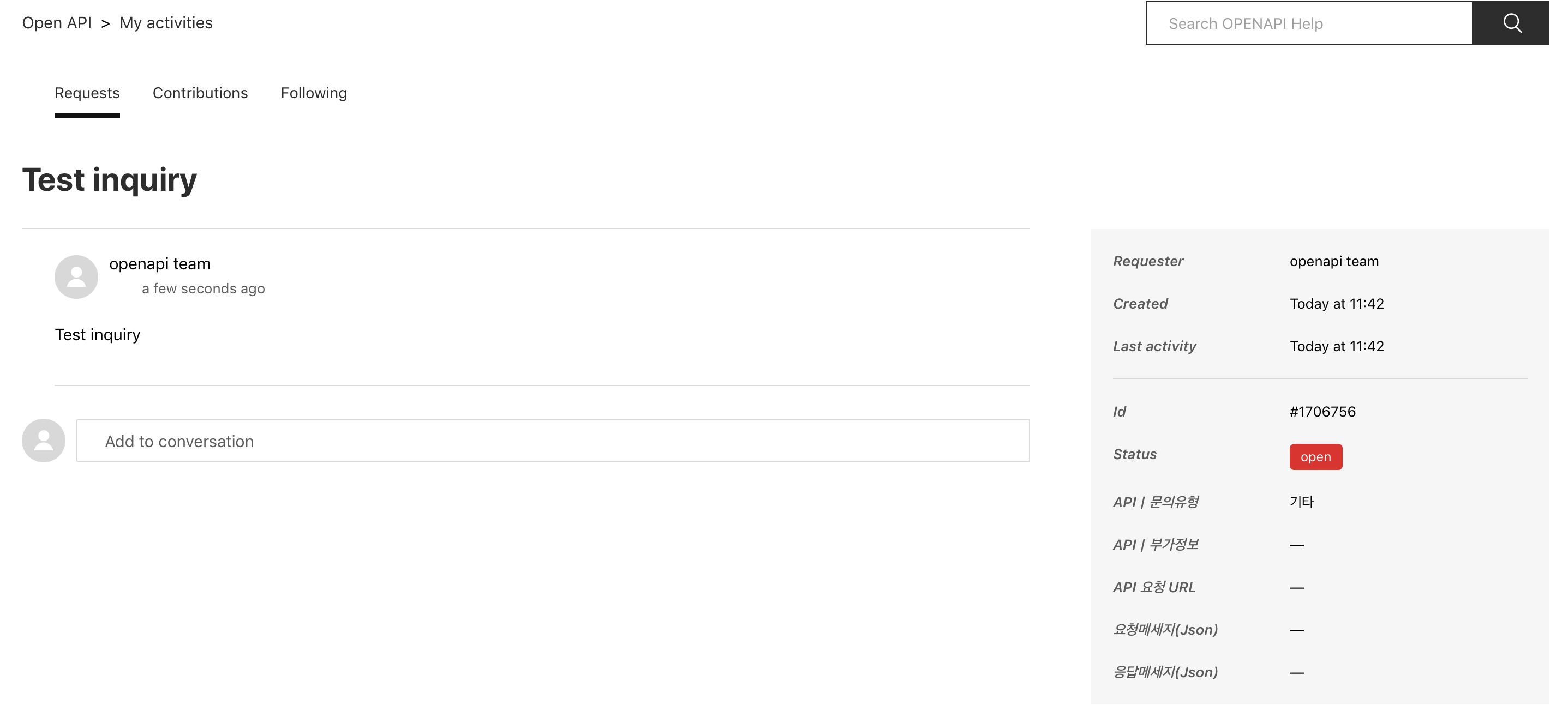
4. Checking Your Online Inquiries
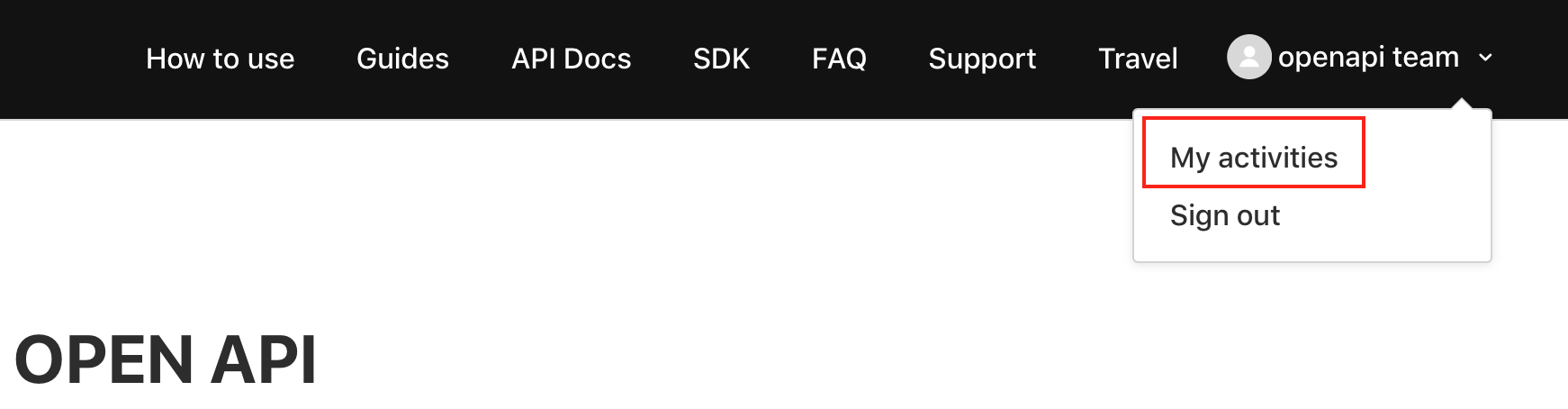
From the top right corner of developers portal, click your name, then "My Activities" to check your inquiries.
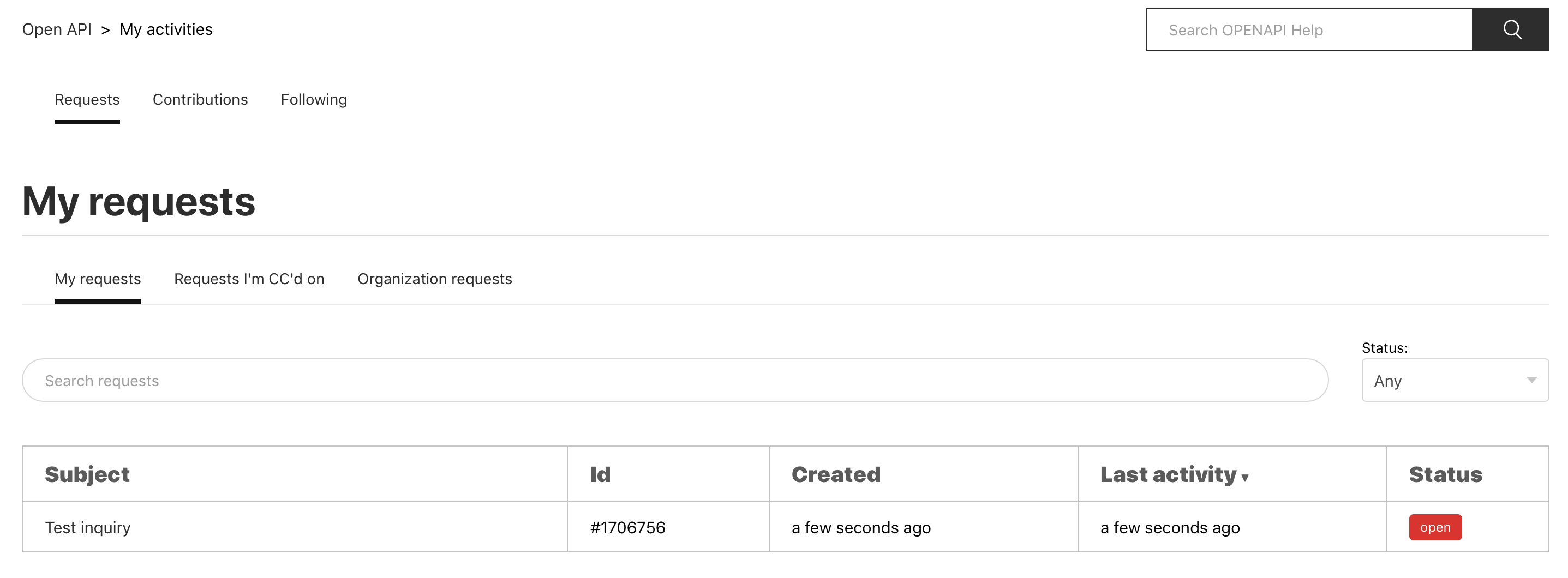
You can click on your inquiry to read the details or add more questions.